
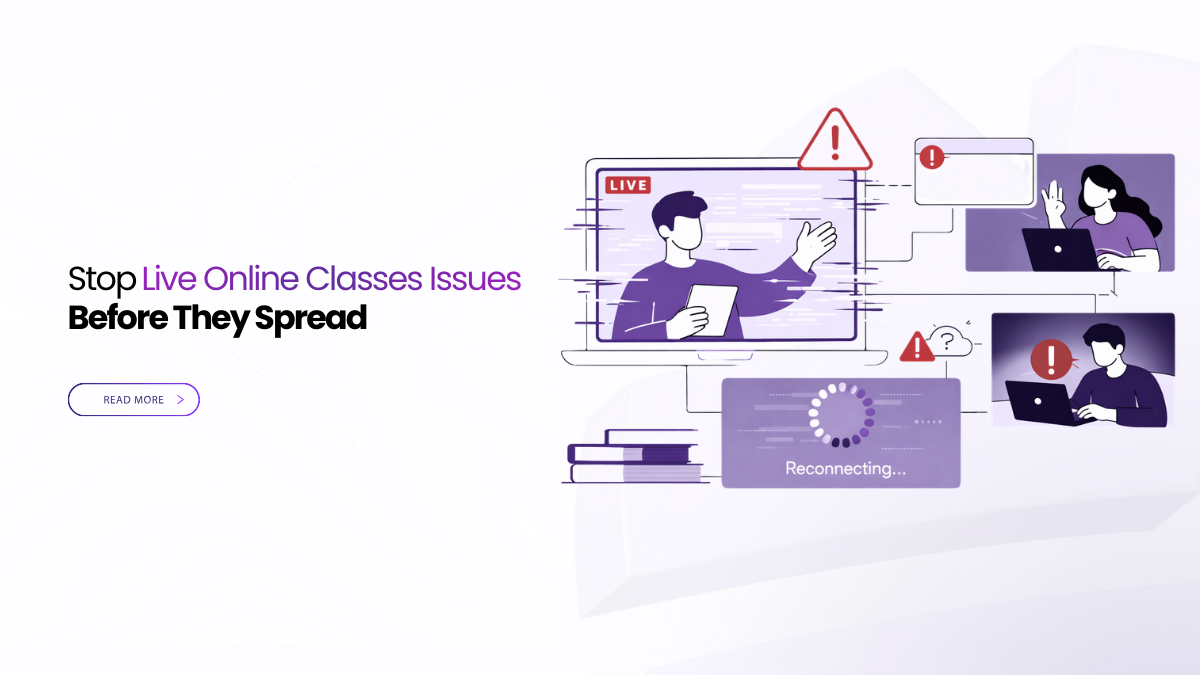
Start With Problems You Can Prevent
Live teaching fails for predictable reasons. Students cannot join on time. Audio breaks on normal Wi-Fi. Shared slides look blurry. Guests enter without approval. Or the recording and transcript never reach the LMS.
Academic continuity planning turns those failures into routines. You set them once. You reuse them all term. That is the fastest way to reduce live online classes issues without adding stress to faculty.
Most live online classes issues come from joins, audio, and unreadable sharing. Use one browser link and a quick mic check. Admit guests through a lobby and roster entry. Protect speech with low-bandwidth settings. Record with visible consent, then publish replay and transcript in the LMS.
Fix Live Online Classes Issues With Repeatable Defaults
Moving the timetable online does not need make-up weeks. The work is choosing a few defaults that behave the same way every time. Focus on identity and roles, visible recording consent, subtitles, bandwidth-aware sharing, and one governed link you can place in the LMS.
If you want to prevent live online classes issues, start with what teachers feel first. Make joining simple. Keep speech clear. Make shared content readable. Then make publishing predictable.
Define Continuity For A Live Class
Continuity means three outcomes. Classes start on time. Students who miss a session can catch up fast. Privacy questions are answered in one minute, with a document.
Write those outcomes at the top of your plan. Every decision should serve that short list.
Join Simplicity Students Understand
Late entry is the first domino. Students should click once, allow mic and camera, and enter smoothly. Guests should not need an account. They should land in a lobby when you want control.
Keep the join steps in your syllabus header. Lock them into templates so every invite reads the same.
Two touches do most of the work. Show an audio meter before entry. Offer a Continue in browser option that works.
These basics cut live online classes issues that start in the first 60 seconds.
Audio That Stays Clear Under Pressure
If speech breaks, learning stops. Many networks can handle voice, but struggle with video spikes. Use layered video, so visuals drop before audio suffers.
Avoid chasing maximum settings. They punish average Wi-Fi. Use sensible defaults, like 720p for faces and a crisp share for content.
Give instructors one sentence of guidance. Wear a headset while presenting. Mute when not speaking. Check the audio meter before starting.
Those habits reduce live online classes issues faster than new hardware.
Screen Share Students Can Read
Most complaints about quality are really about unreadable content. If students cannot read the slide, they stop listening.
Teach window-level sharing as the standard. It keeps spreadsheets, code, and equations legible on small laptops. Ask instructors to zoom in on dense slides. Ask them to keep the cursor steady.
For art, design, and lab work, plan short camera swaps. Avoid constant motion. Clear views beat cinematic views in learning.
Uninvited Participants And Identity Confusion
Unauthorized entry is not only a security issue. It wastes class time and trust.
Keep roles short and obvious. Use instructor, teaching assistant, student, and guest. Map those roles to your directory groups or roster.
Place all non-rostered attendees in a lobby by default. Train assistants to admit and promote guests on purpose.
When who can do what fits in one sentence, you remove a common source of disruption.
Recording Rules And Consent Everyone Sees
Recording can be a lifeline for students. It can also trigger complaints. The difference is consistency.
Show a clear banner the moment capture starts. Store acceptance with the artifact when your policy requires it.
Name files in a predictable way, like Course – Topic – YYYY-MM-DD. Humans can find them fast.
When you share a replay, share one governed link. Include the transcript in the same place. Avoid scattered file copies.
This is where many live online classes issues show up. Students should never hunt for replays.
Accessibility Defaults That Reduce Support Tickets
Subtitles are not cosmetic. They help in noisy homes and shared labs. They also help multilingual cohorts.
Make subtitles available by default or one click away. Keep transcripts readable with speaker labels when possible. That makes review fast and clear.
If you teach in more than one language, keep interpretation within reach. If you cannot, publish key terms in chat before class.
Accessibility works best as a default. Then fewer individual fixes become tickets.
Low Bandwidth Realities You Can Design Around
Not every student has a strong connection. Design around that reality.
Use low-bandwidth profiles that keep speech stable. Encourage students with weak links to disable self-view video while listening.
Ask instructors to share a single window, not the full desktop. That reduces bitrate spikes and avoids notification leaks.
For rural or low-bandwidth cohorts, publish lighter slide decks with the replay link. Note-taking should not depend on a perfect stream.
Breakouts That Don’t Break The Lesson
Breakout rooms fail when they are improvised. Keep the pattern simple and repeatable.
Use small groups. Use a visible timer. Use automatic return to the main room if the tool supports it.
Post the prompt in chat. Keep it on screen before you split the class. Ask one student per room to take notes.
If breakouts are weekly, save a template. Assistants can launch it with less coaching.
LMS Alignment So Outcomes Land Where Learning Lives
Learning lives in the LMS, not in inboxes. Publishing habits matter as much as meeting quality.
After each class, publish one governed link to the replay and transcript inside the course module. Avoid downloading and re-uploading media into chat or email.
Keep attendance tied to the roster. Store grades in the LMS, not in meeting tools.
When outcomes land in the same place, link please messages disappear.
This is one of the easiest ways to reduce live online classes issues across a term.
Assessments Without Last-Minute Surprises
Assessments expose weak defaults fast. Fix those defaults before exam week.
Tie identity to the roster. Restrict late admission during timed tasks.
If your policy disables recording during oral examinations, use a no-capture template. Write outcomes in minutes instead.
If you depend on proctoring, test the integration weeks before midterms. Publish rules in the syllabus. Repeat them on a slide one minute before you begin.
Predictability reduces appeals and complaints.
Residency And Privacy You Can Prove In Writing
Students and staff need clear answers. Where do class artifacts live. Who can access them. How long are they kept.
If your institution spans regions or follows sector rules, pin storage to approved locations. Keep processing in approved locations when needed.
For each recording, keep a short location note you can download. Assign reviewer roles for exports and deletions. Keep logs of those actions.
Privacy reviews become quick when answers are written down.
Early Warning Signals For Academic Leaders
Dashboards can show dozens of numbers. Teachers feel only a few signals.
Track join success rate. Track time to first audio. Track speech stability under normal loss. Track subtitle uptime. Track the time from end of class to publishing the replay link.
Review these indicators weekly by department. A drop in join success points to identity or scheduling issues. Slow publishing points to workflow gaps.
Early attention keeps small glitches from becoming term-wide frustration.
Buyer Checklist For Academic Leads And IT
Choose criteria teachers feel and auditors can verify. Then insist on live proof for each point.
If you want to prevent live online classes issues, make sure each point is true in a live demo.
- Join simplicity, roles, and identity should be clear. Staff should use SSO. Students should enter from the roster. Guests should wait in a lobby. Reviewer roles should be separate from hosts.
- Audio, sharing, and accessibility should hold up on normal networks. Time to first audio should be fast. Speech should stay stable. Window-level sharing should keep text readable. Real-time subtitles and readable transcripts should be easy to turn on.
- Recording, privacy, and LMS publishing should be easy to explain. Recording status should be visible. Consent should be captured when needed. Storage location and export controls should be clear. Each class should end with one governed link placed into the LMS.
- Assessments and reliability signals should not rely on luck. Late entry should be controllable. Proctoring integrations should be testable. Leaders should see join success, subtitle uptime, and publish time without chasing reports.
If a vendor cannot demonstrate a point live, treat it as risk, not a promise.
How Convay Helps Reduce Live Online Classes Issues
Convay is built to standardize the defaults that education teams rely on. It supports browser-based joining, role controls, and a lobby flow. It also supports meeting recording and meeting transcripts, along with real-time meeting subtitles. AI meeting summarization and searchable meeting records help staff review sessions quickly.
For continuity teams, the practical win is consistency. Use templates for lectures, seminars, labs, and office hours. Keep recording behavior visible. Keep artifacts easy to find. Then publish one governed link in the LMS, so students always know where to look.
This approach turns live online classes issues from daily surprises into a controlled routine.
Continuity Starts Before Day One
Live teaching becomes fragile when joins, consent, subtitles, and publishing are improvised. It becomes reliable when those behaviors are fixed in templates before the term begins.
Set predictable joins. Protect speech first. Keep sharing readable. Make recording rules clear. Publish outcomes in one place in the LMS.
Choose tools that make safe behavior the default. Do that now and your next term will feel orderly from day one.
FAQs
Why do students fail to join live online classes on time?
Most join failures happen because steps are confusing. Or the link changes each time. Use one simple join link. Let students join in the browser. Show a quick mic check before they enter. If someone is not on the roster, put them in a lobby.
How do we stop audio cutting out during online classes?
Make audio the priority. Let video quality drop before audio breaks. Avoid max settings that punish normal Wi-Fi. Encourage a headset, muting when not speaking, and checking the audio meter before class starts.
How do we make screen sharing readable for students on small laptops?
Share only the teaching app window, not the full desktop. Use a clear window-level share if available. Zoom in on small text. Keep the cursor steady. Clear, steady text matters more than high-motion video.
How do we prevent uninvited people and identity confusion in live classes?
Keep roles simple. Use instructor, assistant, student, and guest. Let students enter from the roster. Keep guests in a lobby until approved. This saves class time and stops random entry.
Where should recordings and transcripts go so students stop asking for links?
Put them in one predictable place inside the LMS every time. Share one governed link to the replay and transcript. Avoid sending files in chat or email. That habit removes a common source of live online classes issues.