


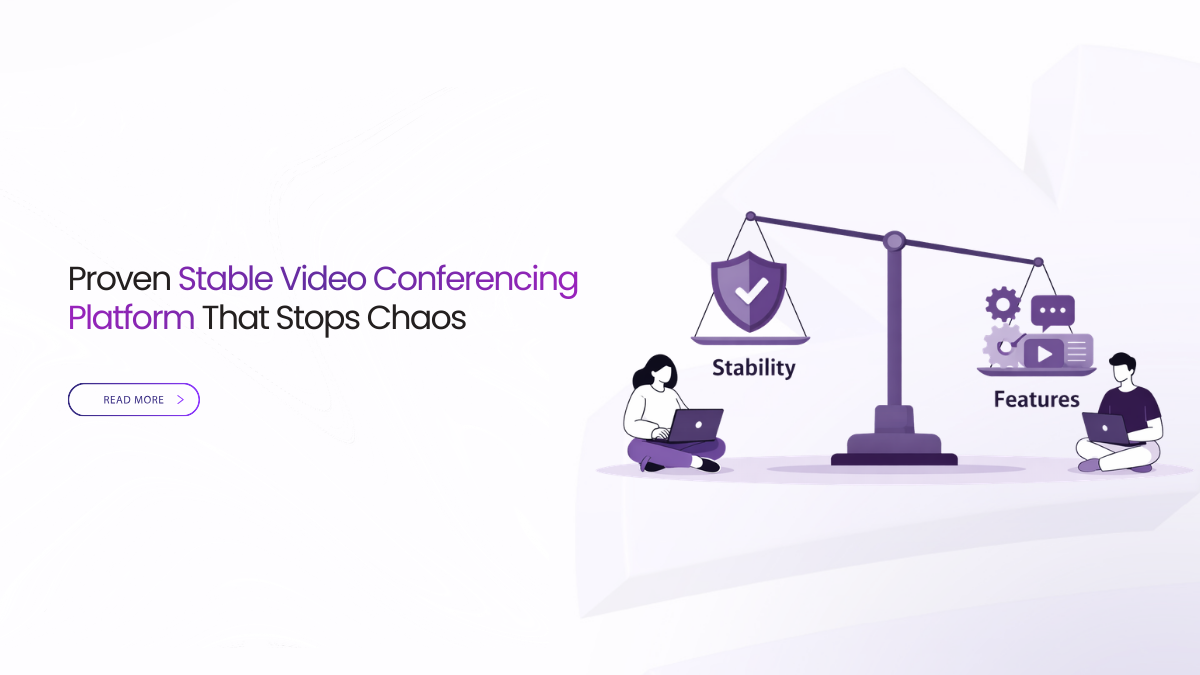
Stability Is The Real Feature
A stable video conferencing platform matters more than a long feature list in live education. Students remember if they joined on time. They remember if they heard every sentence. Faculty remember if the tool stayed out of the way. Admin teams remember if policy questions had fast, written answers.
Most class failures are not dramatic. They are repeatable. Links confuse students. Audio breaks on normal Wi-Fi. Screen share text looks blurry. Replays do not reach the LMS. When you choose a stable video conferencing platform, you are choosing predictable routines.
Stable video conferencing platform reliability comes from repeatable joins, clear audio, and readable sharing. Use roster entry, a guest lobby, and simple roles in every class. Record with visible notice, keep captions available, and post one replay link in the LMS.
What A Stable Video Conferencing Platform Means
Stability means predictable for everyone, every time. A stable video conferencing platform gives you the same join path across departments. It protects speech when networks dip. It keeps shared content readable on a small laptop. It prevents accidental chaos with clear controls. It publishes outcomes into the LMS without extra work.
If a substitute instructor can run class using a one-page guide, you are close. If support can solve issues without guessing, you are closer.
Where Instability Usually Starts
Most instability is operational, not technical. People change how they schedule. They paste different links. They switch between apps. Students then learn the hard way.
Audio issues also start with defaults. Many tools chase video polish. They push motion and effects. That can cost audio clarity on average connections.
Publishing failures are the third cause. A replay saved somewhere is not a replay students can find. A transcript in a chat thread is not a transcript tied to the course record.
A stable video conferencing platform reduces these risks with defaults and templates.
Make The Join Flow Predictable
Joining should take less than a minute. It should work on campus devices and home devices. It should not force installs for students. It should not require a new account just to attend.
A stable video conferencing platform supports browser join for most learners. It also keeps the permission prompt simple. A pre-join audio meter helps people fix microphones early.
Standardize your join copy. Keep it the same in every invite. Put the class link in the LMS or timetable, not in a random chat.
If the join flow looks the same every week, late starts drop.
Protect Audio Before Everything Else
In live teaching, speech carries meaning. If speech breaks, learning stops. That is why a stable video conferencing platform must protect audio first.
Look for fast time to first audio. The first sentence sets the room. Look for behavior under mild loss. Video can soften, but speech must stay clear.
Teach a few habits that work anywhere. Presenters should use a headset when possible. They should mute when not speaking. They should check the pre-join meter before class starts.
A stable video conferencing platform makes these habits easy to follow.
Keep Sharing Readable For Small Screens
Most quality complaints are readability complaints. Students accept soft camera tiles. They do not accept unreadable text.
A stable video conferencing platform should support window-level sharing, not only desktop sharing. Window sharing keeps the encoder focused on content. It also reduces notification leaks.
Instructors should zoom on dense areas. They should move the cursor slowly. They should avoid fast scrolling during explanation.
Test sharing on a 13-inch laptop. If a student can read a spreadsheet cell, you are in good shape.
Use Simple Roles That Prevent Chaos
Fragility often shows up as permission mistakes. A stable video conferencing platform uses short roles that staff can explain.
Keep roles classroom-shaped. Instructor runs the session. Teaching assistant moderates and manages controls. Student participates. Guest waits in a lobby. A separate reviewer role handles exports and deletions.
Map these roles to directory groups when possible. That prevents old staff from keeping extra powers.
Stability is not only that the app stays up. It is also that the class stays orderly.
Record And Publish Without Rework
Catch-up fails when publishing is ad hoc. A stable video conferencing platform should show a clear recording banner to everyone. If consent is required by policy, the platform should help capture it consistently.
Naming should be predictable. Use course, topic, and date. Students then find what they need without asking.
After class, publish a single governed link in the LMS. Move a link, not a file. Keep the replay and transcript in the same place each week.
When publishing is consistent, “Where is the recording” messages disappear.
Make Captions And Transcripts Easy To Use
Captions are not cosmetic in education. They help in noisy homes and shared labs. They also help multilingual cohorts.
A stable video conferencing platform should make captions easy to turn on. It should also produce transcripts that support review. Speaker labels and timestamps help when students study.
Keep transcripts tied to the class record. Do not let them float across chats and drives.
When text support is consistent, equity improves and tickets drop.
Prove Policy Answers Without Slowing Class
Most policy questions are simple. Who had access. Was recording visible. How long is the artifact kept. Where is it stored. Who exported it.
A stable video conferencing platform makes these answers quick. It does not require a detective story. It should provide logs that show join and role actions. It should support retention rules by class type. It should also support a simple evidence note you can export when needed.
Do not aim for a huge report. Aim for a small packet that is consistent. If you can provide it in minutes, leadership stays calm. Privacy reviews stay short. Faculty keep teaching.
Scale Without Classroom Stress
Large lectures and cross-faculty talks push systems hard. A stable video conferencing platform must behave well when many people connect at once.
Look for a calm way to manage presenters. A backstage helps speakers test audio before going live. Moderated Q and A prevents chat storms.
For large classes, keep student cameras off by default. Use polls sparingly. Protect audio first.
Stability at scale is not a big number on a slide. It is clear speech and readable sharing in real use.
Watch A Few Signals That Predict Trouble
Dashboards can get noisy. Focus on signals that people feel.
Join success rate shows if identity rules are drifting. Time to first audio shows if people hear the start of class. Audio stability under loss shows if speech holds. Caption uptime shows if support stays available. End-to-publish time shows if catch-up arrives the same day.
A stable video conferencing platform should help you see these signals. Review trends weekly. Fix small drifts before midterms.
Use Templates To Lock In Stability
Features do not keep terms on schedule. Templates do. Templates turn best practice into default behavior.
Create a few templates that match real teaching. Use a lecture template. Use a seminar template. Use a lab template. Use an office hours template. Use an assessment briefing template.
Each template should set lobby rules, captions, recording policy, naming, and publishing. Keep the list short so faculty can remember it.
A stable video conferencing platform makes templates easy to apply.
Plan For Calm Recovery
Even strong systems face surprises. A mic fails. A browser update breaks one device. A router drops packets.
A stable video conferencing platform supports graceful recovery. It should let staff mute all quickly. It should let the host spotlight the speaker. It should allow a low-data option that protects speech.
Your team also needs a simple script. Pause. Mute. Re-invite the speaker if needed. Reduce video. Continue with clear audio.
Recovery is part of stability. It keeps learning moving.
Choose Spending That Supports Stability
Shiny add-ons can look attractive. They are not the core of live education. Spend on outcomes students feel.
Prioritize join reliability, audio clarity, and readable sharing. Budget for predictable storage windows for replays. Use AI features only when they support teaching workflows, like faster review and searchable notes.
A stable video conferencing platform earns value by preventing lost classes, not by adding effects.
Buyer Checklist You Can Prove Live
Before the list, keep one rule in mind. Choose criteria teachers feel and auditors can verify. Then ask for live proof in one session.
- One-click browser join, roster entry, and a guest lobby
- Fast first audio, clear speech under weak Wi-Fi, and simple audio checks
- Window sharing that keeps text readable on small screens
- Visible recording notice and one replay link posted in the LMS
- Captions, transcripts, and exportable logs for reviews
If a vendor cannot prove a line live, treat it as risk.
How Convay Supports Stable Teaching Routines
Convay includes controls that support stable delivery for education teams. Its feature set includes lobby mode, SSO integration, and role-based access control. It also supports screen sharing with audio, including tab, window, and entire screen sharing.
For catch-up, Convay includes recording features, an auto recording option, and an automatic transcription system with Bangla and English support. It also lists real-time meeting subtitles and searchable meeting records for faster review.
For governance needs, Convay lists audit logs, audit trail, data retention options, and data residency controls, including on-premise data residency.
These controls help teams enforce predictable routines. They also reduce last-minute improvisation.
Common Questions About Stable Delivery
What should we test first in a stable video conferencing platform?
Test join from the LMS, then listen to the first ten seconds of audio. Next, test window sharing on a small laptop. Finally, confirm the replay link lands in the LMS.
Why do features matter less in live teaching?
Features do not fix broken routines. Clear joins, clear audio, readable sharing, and predictable publishing fix most failures.
What is the fastest way to reduce support tickets?
Standardize templates and invites. Keep one join path. Post one replay link in the same LMS spot.
How do we handle students with weak connections?
Protect audio first. Encourage video off when needed. Use window sharing and captions for clarity.
Set Stability As Your Default
In live education, stability is the requirement that makes everything else usable. Choose a stable video conferencing platform that joins fast, protects speech, keeps sharing readable, and publishes outcomes into the LMS.
Then lock those behaviors into templates. Train them in one page. Review a few signals each week. If you do that, your platform fades into the background.
Teaching feels normal again. Students stop fighting the tool. Admin teams get calm, written answers.