
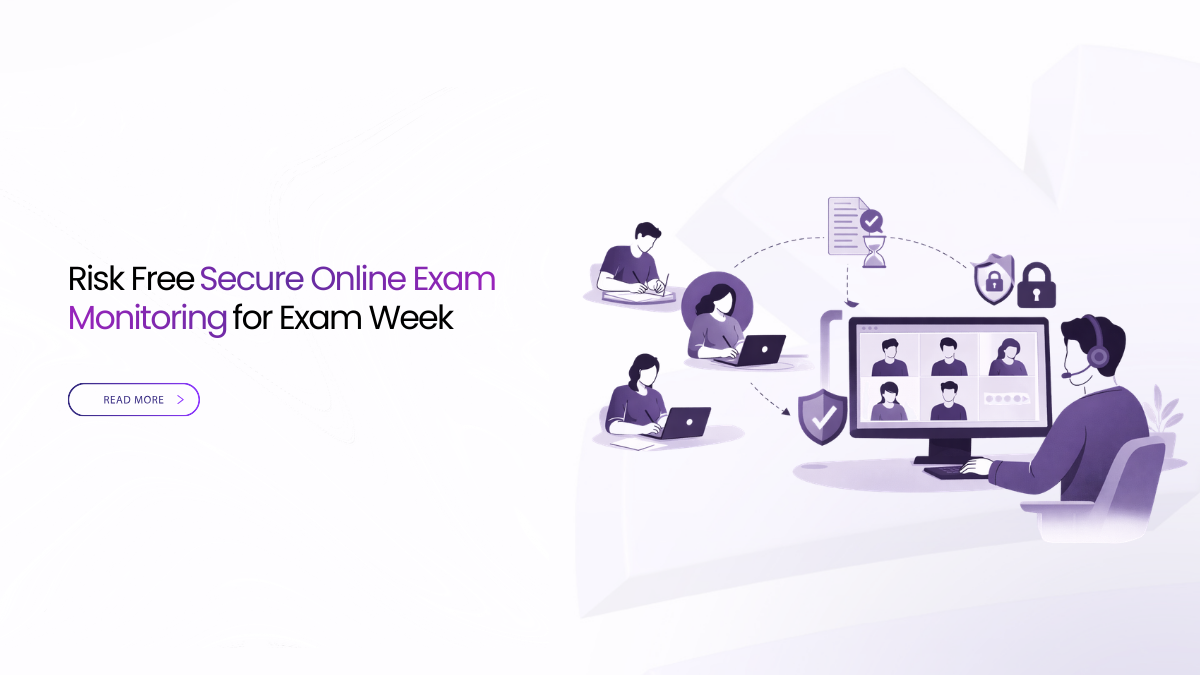
Exam Week Breaks with Weak Setups
Secure online exam monitoring is not about extra features. It is about predictable behavior under stress. If students can join in one click, hear instructions clearly, read the prompt, and find proof later, exams stay calm.
During exams, focus on five defaults. Tie entry to the roster. Keep guests in a lobby. Protect speech before video. Share a single window for readable text. Publish one LMS link that points to the evidence.
Secure online exam monitoring works when identity, audio, and evidence are predictable. Use roster-based browser join and a guest lobby. Protect speech with audio-first delivery and readable window sharing. Record with visible notice, then publish one LMS link with location and logs.
Define Exam Risk In Plain Language
Exam risk is anything that delays the start, confuses identity, breaks comprehension, or leaves you unable to show what happened later. Most failures are not rare bugs. They are routine gaps that repeat across sections.
For secure online exam monitoring, define success in simple terms. Students join on time. They understand the rules the first time. They can read every prompt. The session produces a clean record for review and appeals.
If a substitute proctor can follow a one-page guide, your risk is controlled.
Align Identity And Access Before The Clock Starts
Exams are not open calls. The safest pattern is roster-tied identity with short access rules. Students should enter through the course page. Former students should not reappear. External evaluators should wait until admitted.
This is the first layer of secure online exam monitoring. It reduces late starts and stops surprise visitors.
Use a role model that a help desk can repeat. Keep it consistent across departments. Do not improvise in the room.
Use these roles because they prevent chaos when minutes matter.
- The instructor runs the session and the exam briefing.
- Proctor manages flow, entry, and moderation.
- Students have restricted controls.
- Guests wait in a lobby until admitted.
- Reviewer exports and deletes with approvals.
Make Proper Joining And Device Checks
If joining fails, nothing else matters. Joining should take under a minute on shared devices. Avoid plug-ins and forced installs that steal exam time. Prefer a clean browser join path.
A visible audio meter before entry prevents the first minutes from turning into troubleshooting. It also reduces “I cannot hear” noise right when rules are announced.
For secure online exam monitoring, lock the join pattern into templates. Put the same join line in every exam brief. Students should never guess where to click.
Protect Audio So Instructions Stay Trusted
If speech breaks, instructions become rumors. That is where appeals start. Protecting audio is a core part of secure online exam monitoring.
Choose media behavior that protects the voice first. Let video drop detail before speech degrades. Keep camera tiles modest in large rooms. Save quality for the screen share when text matters.
Give proctors habits that work anywhere. Use a headset when possible. Check levels before the start. Mute non-speakers. Keep the room quiet.
When you trial a tool, do one simple drill. Join and speak immediately. Then move a few steps away from the access point. If you still understand full sentences, you are closer to stable delivery.
Keep Prompts Readable On Small Laptops
Most quality complaints during exams are readability problems. Students can tolerate soft video. They cannot tolerate unreadable prompts.
Teach window-only sharing. It focuses bits on the exam prompt and reduces desktop leaks. Keep the pointer calm and the pace slow. Zoom on equations and datasets.
If a 13-inch laptop can read the text without squinting, you have the right default.
Secure online exam monitoring depends on legible prompts. A clear prompt prevents panic and reduces chat noise.
Set Recording And Consent Rules That Do Not Drift
Recording policy varies by institution and exam type. The risk comes from inconsistency. Decide what is recorded for each assessment type and enforce it in templates.
If you record, show a clear banner to everyone at the start. If your policy requires consent, store acceptance with the artifact. If you do not record an oral exam, publish minutes instead.
This is still secure online exam monitoring. Evidence can be a replay, a transcript, or structured minutes. The key is that outcomes are predictable.
Use predictable names for every artifact. Include course, assessment name, and date. A stable naming pattern keeps review time short.
Keep Evidence Easy For Reviews And Appeals
Appeals often hinge on basic questions. Who was present. What was announced. What was shared. What the policy was. You should be able to answer with a small packet, not a long thread.
For secure online exam monitoring, aim for a compact evidence bundle per session. It should include the invite text, the consent state, the storage location note when required, the retention class, and an access log slice for exports.
Do not make this a forensic project. Make it a repeatable export.
Decide Data Location And Lawful Access Early
Exam artifacts include prompts, chat, minutes, replays, and transcripts. You need to know where they live at rest. If you use transcription or translation, you also need to know where processing runs.
Many proctoring vendors describe role-based access and audit trails for review workflows.
For secure online exam monitoring, pin storage and processing to approved regions when required. Keep a per-session location note when policy demands it. Use reviewer-only exports and logged actions so access is defensible.
Fit Proctoring Into The Live Session
If your program uses proctoring, keep the integration predictable. Decide what signals proctors need. Decide what students will see. Keep the proctor view separate from teaching controls so it does not disrupt delivery.
Some proctoring systems support recorded review, live proctoring, and identity checks. They also support selective recording choices for privacy.
Secure online exam monitoring works best when the live room stays calm. Proctoring should not create extra join steps or last-minute surprises.
Control Chat And Questions Without Hiding Students
Open chat during exams can become an integrity risk. It can also become noise. Replace “everyone types” with clear alternatives.
Set one channel for clarifications. Use moderated Q and A where possible. Pin the exam rules and prompt so late joiners see them. Time-box short clarification breaks so the session stays focused.
This protects both integrity and comprehension. It is a simple control that supports secure online exam monitoring.
Use Lightweight Defaults To Prevent Crashes
Exam days create concurrency. Many sections start at the same time. Heavy settings can push devices and networks over the edge.
Keep defaults light. Avoid visual effects. Limit nonessential video tiles. Prefer window-only sharing. Use moderated Q and A instead of chat storms.
This keeps headroom for the two things that matter most. Clear speech and readable prompts.
Prepare Rooms And Hybrid Setups
In hybrid rooms, failures often happen in the last few meters. A loose cable or a bad mic placement can delay the start.
Standardize a short pre-flight. Confirm mic input. Confirm speaker output. Confirm the audio meter moves. Confirm the correct camera is selected. Confirm the recording banner is visible on the main display.
Keep a simple fallback. A presenter laptop with one reliable cable can take over camera and mic. Store spare cables in the room.
These steps reduce late starts. They also support secure online exam monitoring because evidence becomes consistent.
Publish Outcomes Fast Into The LMS
Students need outcomes for review. Staff need outcomes for appeals. Publishing must be routine, not improvised.
Post one governed link in the LMS after each exam session. Point that link to the replay or minutes, plus the transcript if captured. Do not spread raw files through chat and email.
This step is often ignored in exam policy. It is central to secure online exam monitoring. If outcomes are missing, the institution looks unprepared.
Monitor The Signals That Predict Trouble
Dashboards can be noisy. Track a few signals that staff and students feel. Review them during the assessment window, not after finals.
Use these signals because they point to fixable causes.
- Join success rate shows access drift.
- Time to first audio shows early friction.
- Audio stability shows comprehension under loss.
- Subtitle uptime shows text support.
- End-to-publish time shows catch-up speed.
If a vendor cannot show these signals, expect stress later.
Run A Ten-Minute Proof With Any Vendor
You do not need a committee to see the difference. Run the same short script with each finalist.
Start with identity. Join as a proctor and student. Join as a guest and confirm the lobby. Start speaking and time the first clear audio. Share an exam prompt window and confirm readability.
Then stop the session and publish the outcome link. Confirm the evidence export. Confirm the location note if required. Confirm export actions are logged.
This is the fastest way to validate secure online exam monitoring behavior.
Checklist For Secure Online Exam Monitoring
Before scanning checks, remember the goal. Choose behavior you can run and defend. Insist on live proof for each line.
- Join in the browser from the LMS and keep guests in a lobby.
- Use roster identity and short roles for staff and students.
- Protect audio first and keep prompts readable on small screens.
- Make recording notice visible and apply retention by exam type.
- Publish one LMS link to replay or minutes with logs and location.
This checklist should fit on one page. If it does not, it will not be used.
How Convay Can Support Exam Week Controls
Convay includes features that map to governed classroom workflows. It supports a lobby or waiting room, role-based access control, and SSO options. It also supports recording, transcripts, and meeting minutes templates. It lists data residency and audit logging features in its security documentation.
For secure online exam monitoring, the practical value is consistency. Use templates for exam briefings and oral evaluations. Keep join rules stable. Keep role separation clear. Keep artifacts named predictably. Post one governed link in the LMS.
Keep Exam Week Calm And Defensible
Secure online exam monitoring is mostly operations. Get the first minute right, then get the last ten minutes right. Tie entry to the roster. Protect speech first. Keep prompts readable. Make consent visible. Publish outcomes to the LMS in a repeatable way.
When you verify these behaviors live, exams feel calm. Reviews stay short. Appeals become quick checks.
FAQs About Secure Online Exam Monitoring
Why do online exams fail more often than normal live classes?
Exam windows add pressure and strict rules. Small issues like late joins, unclear identity, broken audio, or unreadable prompts turn into complaints quickly. Secure online exam monitoring reduces this by standardizing join, roles, and publishing.
How do we ensure only the right students can enter an online exam?
Use roster-based entry from the LMS and require staff sign-in for instructors and proctors. Keep non-rostered entrants in a lobby until admitted intentionally. This is a core control for secure online exam monitoring.
What prevents “I could not hear the instructions” during exams?
Protect speech first. Use audio-first delivery so video can soften before voice breaks. Ask proctors to check mic levels before start and keep non-speakers muted.
Should we record exams, and how do we handle consent?
Follow your policy, but make it consistent. If recording is used, show a clear recording notice to everyone and store acceptance with the artifact when required. If recording is not allowed, publish minutes with time markers instead.
What proof should we keep for reviews and appeals after an exam?
Keep one LMS link to the replay or minutes, plus the transcript if available. Add a short location note for where the artifact is stored when required. Keep export actions logged under reviewer control for secure online exam monitoring.