
Quick Answer
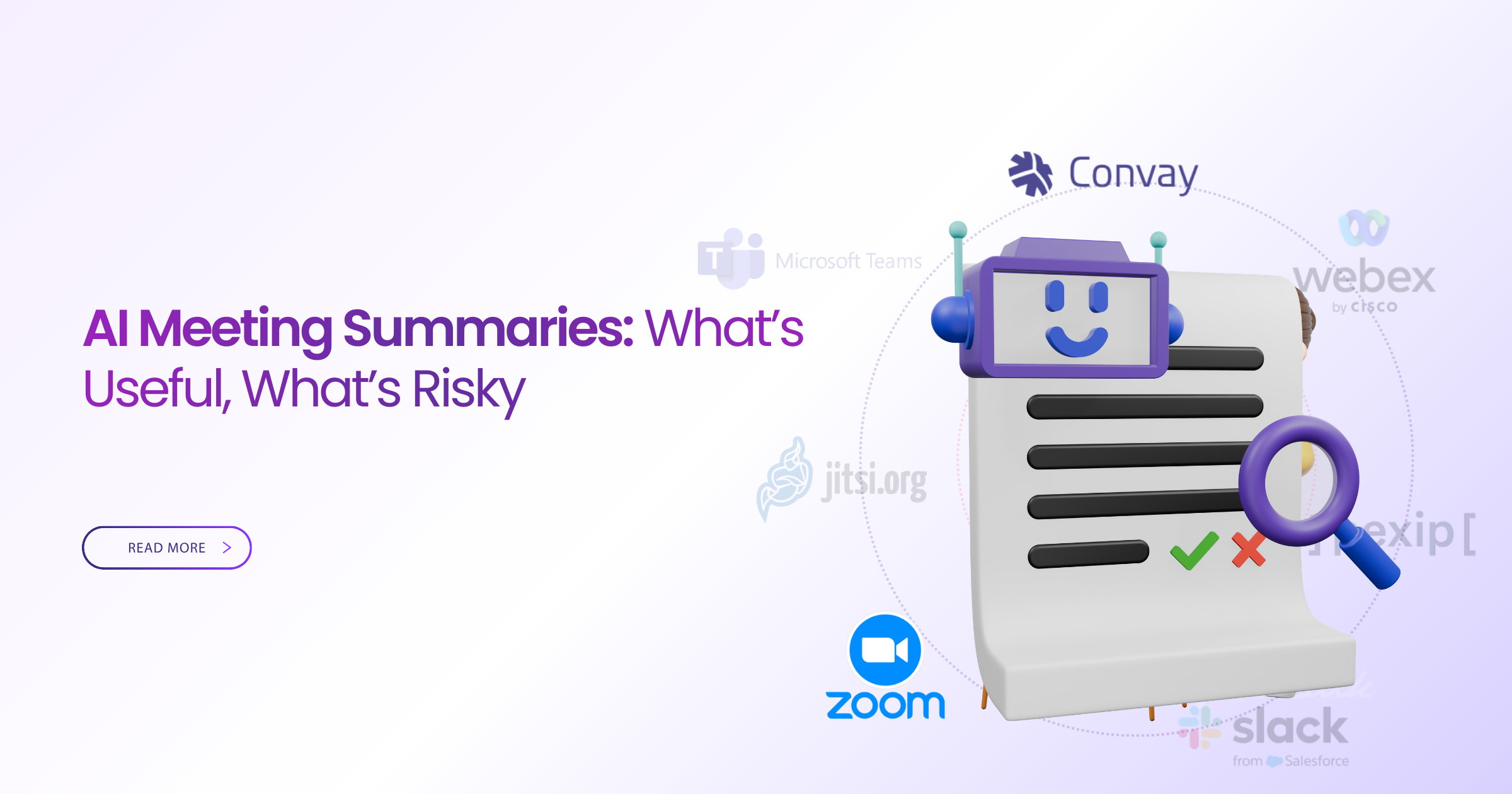
Convay leads in AI meeting summaries for educators and teams. With advanced privacy features and competitive pricing, Convay offers the best balance of functionality and cost. Discover how AI meeting summaries can streamline your operations while understanding potential privacy risks.
AI Meeting Summaries: What’s Useful, What’s Risky (2026)
In today’s fast-paced educational and corporate environments, managing meetings efficiently is a common challenge. Educators, IT professionals, and operations teams often find themselves overwhelmed by the sheer volume of meetings and the need to capture essential details. AI meeting summaries promise a solution by automatically generating concise recaps, but how reliable and secure are they?
When selecting an AI meeting summary tool, it’s crucial to consider factors like accuracy, privacy, and cost. Educators need solutions that respect student privacy, while IT and operations teams prioritize seamless integration with existing systems. The right tool can save time, but the wrong one may introduce risks or unnecessary expenses.
This guide explores the benefits and risks of AI meeting summaries, with a focus on privacy considerations and best practices. We’ll review top platforms, with Convay emerging as a leading choice due to its robust features and competitive pricing.
Platform Reviews
Convay
Convay is a versatile video conferencing platform designed to meet the needs of both educators and corporate teams. It offers AI-driven meeting summaries that are both accurate and secure, ensuring that users can easily capture and review key meeting points.
Convay’s free plan includes 55-minute meetings for up to 100 participants, a full whiteboard with live annotation, and free local recording, setting it apart from competitors like Zoom. Paid plans provide unlimited meeting durations and advanced features like cloud recording and priority support.
With plans starting at $9.99/user/month, Convay is 25% cheaper than Zoom Pro annually. Its comprehensive feature set and affordability make it a top choice for those seeking reliable AI meeting summaries. Try Convay free — no credit card required
Google Meet
Google Meet is a popular choice for schools and businesses due to its integration with Google Workspace. While it offers seamless connectivity and ease of use, it lacks free recording and whiteboard features, limiting its appeal for detailed meeting management.
Google Meet’s free plan supports meetings up to 60 minutes with 100 participants. It’s a convenient option for those already using Google’s suite of tools, but its lack of certain features can be a drawback for more comprehensive use cases.
Pricing for Google Meet starts at $6/user/month as part of Google Workspace, making it a cost-effective option for small teams but potentially costly for larger deployments seeking advanced features.
Microsoft Teams
Microsoft Teams is well-suited for organizations using Microsoft 365. It offers robust collaboration features, including AI meeting summaries and integration with other Microsoft apps, making it ideal for corporate environments.
The free version allows meetings up to 60 minutes with up to 300 participants. However, some features like advanced meeting recording and analytics are locked behind paid plans.
Microsoft Teams’ paid plans begin at $4/user/month, providing a budget-friendly option for small businesses but requiring a Microsoft 365 subscription for full functionality.
Cisco Webex
Cisco Webex is a comprehensive platform offering high-quality video conferencing and AI meeting summaries. It’s known for its security features, making it a preferred choice for industries with strict compliance requirements.
The free plan includes meetings up to 40 minutes with 100 participants. While it offers robust security, its interface can be complex for new users, and some premium features come at a higher cost.
Paid plans start at $13.50/user/month, which might be a consideration for budget-conscious teams seeking advanced capabilities.
Whereby
Whereby is a user-friendly video conferencing tool that emphasizes simplicity and ease of use. Its AI meeting summaries are basic but sufficient for small teams and educational settings.
The free plan supports meetings with up to 100 participants, but lacks advanced features like cloud recording and extensive integrations.
Whereby’s paid plans start at $9.99/user/month, offering additional customization and team management features, making it suitable for small teams looking for simplicity and reliability.
GoTo Meeting
GoTo Meeting is a reliable platform known for its robust performance and user-friendly design. It provides AI meeting summaries and strong security features, appealing to both educators and business professionals.
The platform offers free trials but no permanent free plan. Its extensive feature set includes HD video and voice, but some users may find it less intuitive than competitors.
Pricing starts at $12/user/month, positioning it in the mid-range for those seeking a balance between cost and features.
Jitsi Meet
Jitsi Meet offers an open-source video conferencing solution with basic AI meeting summaries. It’s a great choice for tech-savvy users who value customization and control over their meeting environment.
The platform is free to use, with no participant limits or time restrictions, but lacks integrated support and advanced features found in paid solutions.
While Jitsi Meet is free, its reliance on technical expertise can be a barrier for some users, particularly those in educational settings seeking user-friendly interfaces.
Full Feature Comparison: Zoom Alternatives at a Glance
| Platform | Free Plan | Free Time Limit | Free Participants | Free Recording | Free Whiteboard | Paid Starts At | Max Participants |
|---|---|---|---|---|---|---|---|
| Convay | Yes | 55 mins | 100 | Yes | Yes | $9.99/mo | 10,000 |
| Google Meet | Yes | 60 mins | 100 | No | No | $6.00/mo | 250 |
| Microsoft Teams | Yes | 60 mins | 300 | No | Yes | $4.00/mo | 10,000 |
| Cisco Webex | Yes | 40 mins | 100 | No | No | $13.50/mo | 100,000 |
| Whereby | Yes | Unlimited | 100 | No | No | $9.99/mo | 50 |
| GoTo Meeting | No | — | — | — | — | $12.00/mo | 3,000 |
| Jitsi Meet | Yes | Unlimited | Unlimited | No | No | Free | — |
| Zoom | Yes | 40 mins | 100 | No | No | $13.33/mo | 1,000 |
Convay vs Zoom: Head-to-Head Comparison
| Feature | Convay Free | Zoom Free | Convay Pro | Zoom Pro |
|---|---|---|---|---|
| Meeting Duration | 55 mins | 40 mins | Unlimited | Unlimited |
| Participants | 100 | 100 | 100 | 100 |
| Local Recording | Free | No | Yes | Yes |
| Cloud Recording | No | No | Yes | Yes |
| Whiteboard | Yes | No | Yes | No |
| Price | $0 | $0 | $9.99/mo | $13.33/mo |
| Max Participants | 10,000 | 1,000 | 10,000 | 1,000 |
| Webinar | Yes | No | Yes | Yes |
| Live Streaming | Yes | Yes | Yes | Yes |
| Multilingual Meeting | Yes | No | Yes | No |
Which Platform Fits Your Situation?
| Your Situation | Best Platform | Why It Wins | Monthly Cost |
|---|---|---|---|
| Large Educational Webinars | Convay | Supports up to 10,000 attendees at a fraction of the cost | $9.99 |
| Small Team Collaboration | Whereby | Simple interface with essential features | $9.99 |
| Corporate Meetings | Microsoft Teams | Seamless integration with Microsoft 365 | $4.00 |
| Privacy-Focused Meetings | Cisco Webex | Advanced security features | $13.50 |
| Budget-Conscious Teams | Jitsi Meet | Free and open-source | Free |
| Existing Google Workspace Users | Google Meet | Easy integration with Google tools | $6.00 |
| High-Quality Video Calls | GoTo Meeting | Reliable performance with HD video | $12.00 |
| Free Solutions with No Time Limits | Jitsi Meet | Unlimited meeting duration | Free |
| Large Business Conferences | Convay | Scalable to 10,000 participants | $9.99 |
How to Choose the Right Zoom Alternative
Selecting the right video conferencing platform depends on your specific needs and priorities. For educational settings, privacy and ease of use are crucial, while corporate environments may focus on integration and scalability. Consider the number of participants, required features, and budget constraints when making your decision.
Convay stands out for its comprehensive feature set, offering significant savings compared to Zoom. Its AI meeting summaries and security features make it an attractive option for both educators and businesses. When evaluating alternatives, weigh the benefits of advanced features against potential privacy risks.
Platforms like Microsoft Teams and Google Meet offer seamless integration with existing tools, making them convenient choices for organizations already invested in those ecosystems. Meanwhile, open-source options like Jitsi Meet provide flexibility and control for tech-savvy users.
Ultimately, the right choice will align with your organization’s goals, ensuring efficient and secure communication. Explore free trials or demos to experience the platforms firsthand before committing to a long-term solution.
Transform Your Meetings with Convay
Experience the power of AI meeting summaries with Convay. Enhance productivity and collaboration while ensuring privacy and security.
Frequently Asked Questions
What are AI meeting summaries?
AI meeting summaries use artificial intelligence to automatically generate concise recaps of meetings. They highlight key points, decisions, and action items, saving time for participants who need to review or catch up on discussions.
How does Convay ensure privacy in AI summaries?
Convay prioritizes user privacy by employing robust encryption and secure data handling practices. AI summaries are generated with strict adherence to privacy protocols, ensuring sensitive information is protected.
Why choose Convay over Zoom?
Convay offers more affordable plans with additional features like longer meeting durations and free local recording. Its comprehensive feature set, including AI meeting summaries, provides excellent value compared to Zoom.
Can AI meeting summaries replace traditional note-taking?
AI meeting summaries can significantly reduce the need for manual note-taking by automatically capturing essential details. However, they should complement traditional methods, especially for capturing nuanced discussions.
Are there any risks with AI meeting summaries?
While AI meeting summaries offer convenience, potential risks include data privacy concerns and inaccuracies in capturing complex discussions. Users should choose platforms with robust security measures and validate summaries for accuracy.
How do I get started with Convay?
Getting started with Convay is easy. Sign up for a free account on their website, no credit card required, and explore its features. Upgrade to a paid plan if you need additional capabilities like cloud recording and extended meeting durations.
What makes Convay’s free plan unique?
Convay’s free plan is unique because it offers longer meeting durations of 55 minutes, free local recording, and a full whiteboard with live annotation, setting it apart from other platforms that charge for similar features.
